

The Internet Archive is a vital part of the web, but it’s not always the right tool for the job. Developers needing on-demand captures, QA teams requiring pixel-perfect snapshots, and researchers seeking permanent, citable records often hit the limits of the Wayback Machine. Issues like crawling gaps, slow processing, and poor handling of JavaScript-heavy sites can stop a project in its tracks. When you need reliability and precision, you need a dedicated tool.
That's why having a good internet archive alternative is so important. Relying on a single point of failure for web preservation is risky. Whether you're building automated systems, conducting legal research, or just trying to save a webpage before it vanishes, the right tool makes all the difference.
This guide gets straight to the point. We've rounded up 12 powerful alternatives, from developer-first APIs like Capture to specialized academic and government archives. We’ll break down what each service does best, its limits, and who it’s for. You'll find direct links and practical insights to help you choose the right solution without wasting time. Think of this as your toolkit for web capture and digital preservation.
1. Capture
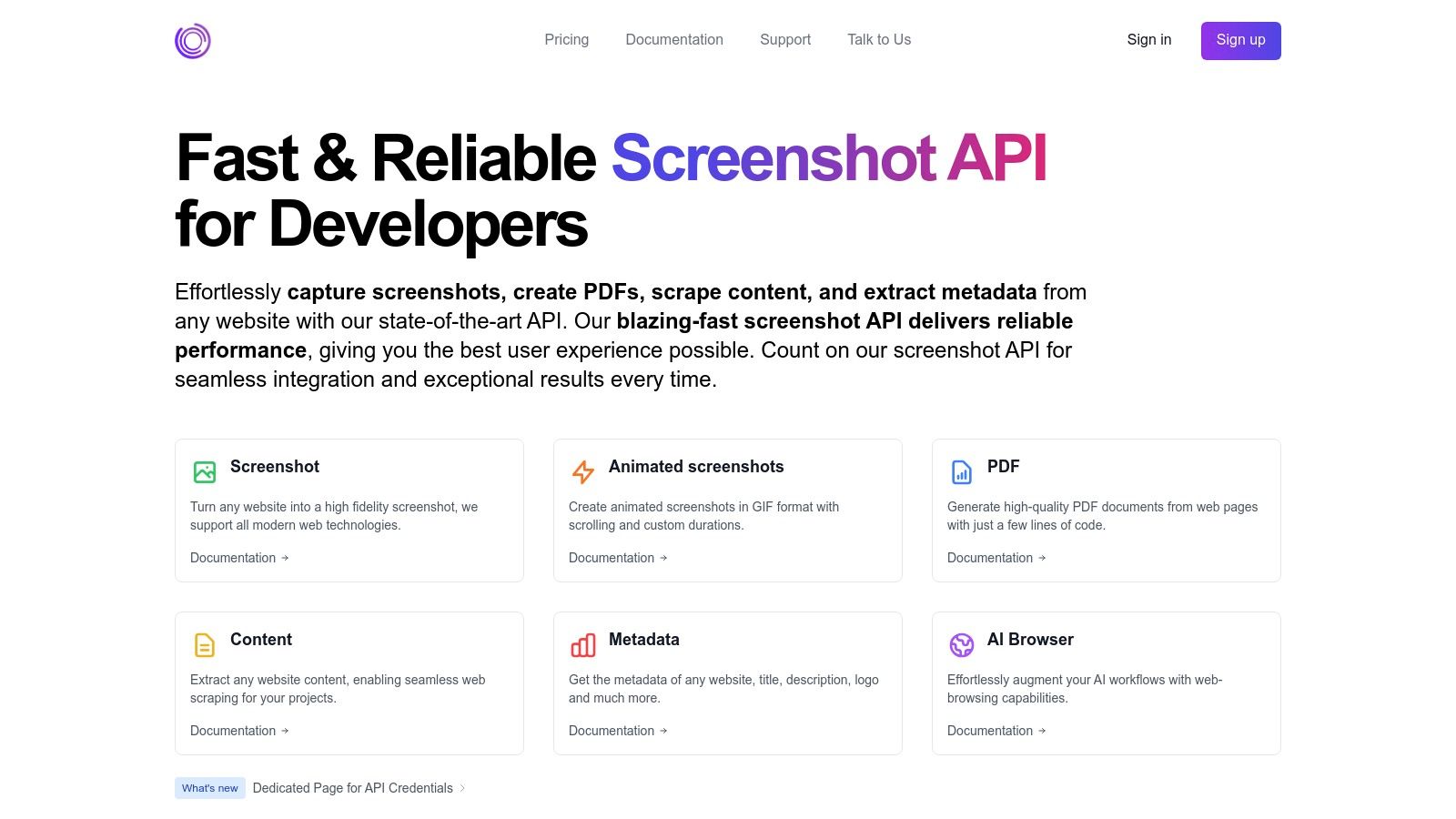
Capture is a developer-first API for high-fidelity screenshots and web rendering. While it’s not a public archive like the Wayback Machine, it’s a powerful internet archive alternative for teams who need to build their own archival systems, run visual tests, or automate content scraping. It excels at turning any URL into a pixel-perfect screenshot, PDF, or even an animated GIF, making it a go-to tool for developers, QA teams, and data engineers.
The platform's strength is its robust, queue-less rendering engine. It processes requests in real time over a global edge network to deliver fast results, which is critical for high-volume workflows. Unlike basic screenshot tools, Capture accurately renders modern web tech like WebGL, CSS animations, custom fonts, and embedded videos. This ensures your captures are a true representation of the live site.
Key Features and Use Cases
Capture is built for automation and integration. Its SDKs for Node.js, Go, and Rust, plus integrations for Zapier, GitHub Actions, and Slack, let you embed its functions directly into your existing CI/CD pipelines, monitoring systems, or reporting workflows.
Practical Applications:
- Automated Archiving: Schedule regular captures of websites to create a historical, visual record for compliance, competitor analysis, or internal docs.
- Visual Regression Testing: Add Capture to your deployment pipeline to automatically compare screenshots before and after code changes to catch UI bugs.
- Content & Metadata Extraction: The API can pull readable text and metadata from pages, perfect for SEO analysis, data aggregation, or feeding content into AI models.
- Client Reporting: Agencies can automate generating high-quality PDF reports showing website performance, analytics, or project progress.
Its pay-as-you-go pricing is a huge plus—no monthly subscription needed. You get 100 free credits at signup to try it out, and you only pay for what you use, making it cost-effective for projects with changing needs. To see how it works, you can learn more about its website screenshot capabilities.
| Feature Summary | Details |
|---|---|
| Rendering Engine | Real-time, queue-less processing with accurate rendering of modern web tech (WebGL, CSS3, video). |
| Developer Tools | Native SDKs (Node.js, Go, Rust), pre-built integrations (GitHub Actions, Zapier, n8n, etc.). |
| Outputs | High-resolution PNG/JPEG screenshots, multi-page PDFs, animated GIFs, and extracted text/metadata. |
| Pricing Model | Pay-as-you-go credits. No subscription required. 100 free credits on signup. |
| Performance | Global edge delivery for low latency and high availability (99.99%+ uptime). |
| Limitations | The 7-day cache is for performance, not permanent storage; long-term archiving requires an external solution. Cost forecasting requires analyzing actual usage patterns. |
Website: https://capture.page
2. archive.today (archive.ph)
Also known as archive.ph, archive.today is a popular, on-demand web archiving service. It’s the go-to tool for anyone who needs to quickly save a single, changing web page. Unlike services that crawl huge parts of the web, it acts on user requests, creating a static HTML copy and a full-page PNG screenshot of the URL you submit.
This makes it a great internet archive alternative for saving things like news articles before they get edited, social media posts that might be deleted, or pages about to go offline. A key advantage is its ability to handle JavaScript-heavy sites and even get past some paywalls, often succeeding where other tools fail.
Key Considerations
- Ease of Use: The interface is simple. Paste a URL, and it saves the page. No account is needed.
- Unique Output: You get both a static HTML file and a high-quality screenshot. This two-pronged approach saves both the content and the visual layout. You can learn more about how to archive website pages this way.
- Operational Opacity: The biggest drawback is its lack of transparency. Who owns it? How is it funded? The service has faced DNS blocks and legal issues, making its long-term stability a concern for mission-critical archiving.
Despite its murky background, archive.today is an incredibly effective and free tool for quick, one-off saves.
- Website: https://archive.ph
3. Perma.cc
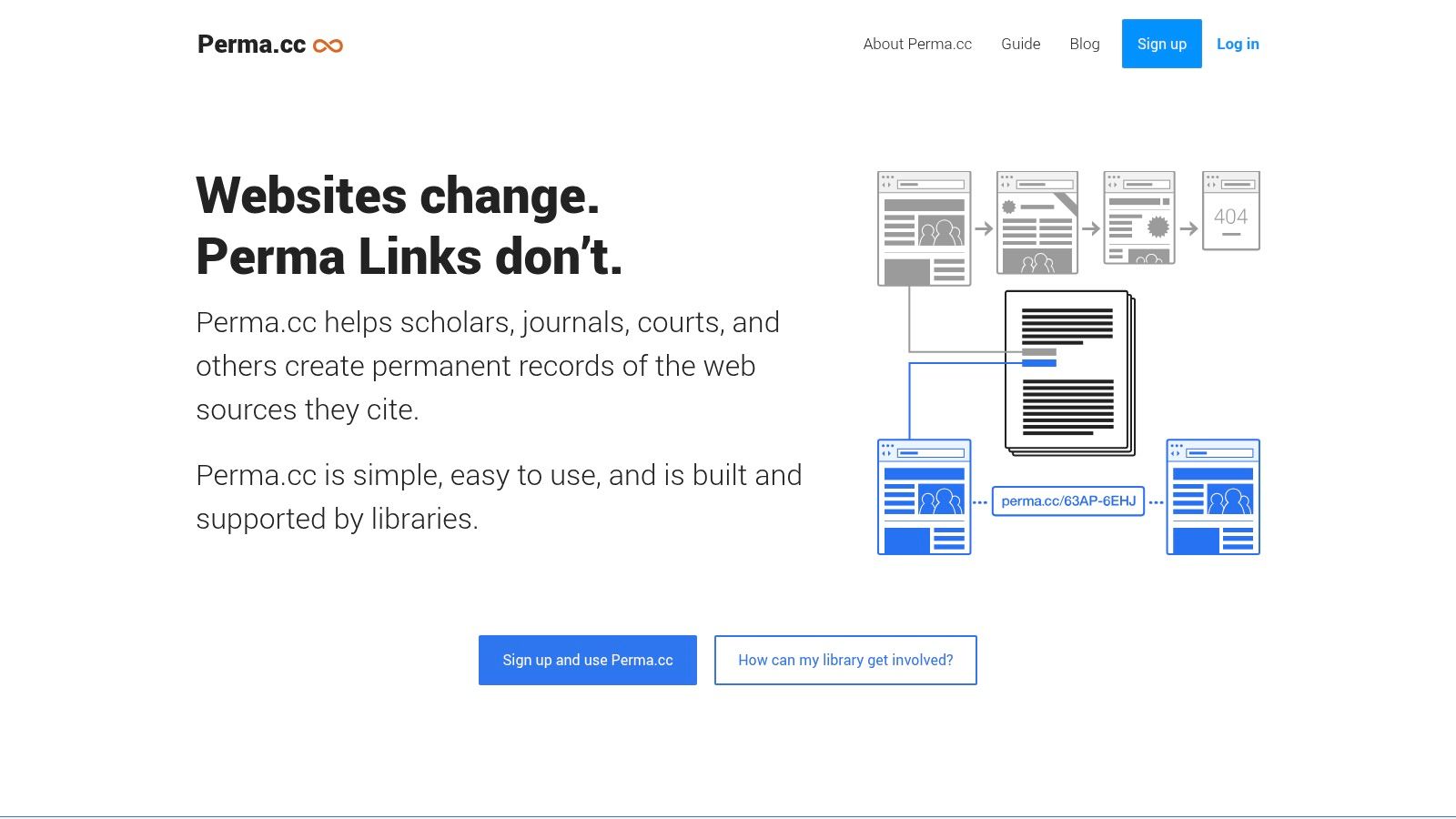
Developed by the Harvard Library Innovation Lab, Perma.cc is a web archiving service built for stable, long-term citations. It lets you create permanent, unbreakable links to web pages. This ensures that sources cited in academic papers, legal documents, or articles remain accessible forever, even if the original page disappears. This focus on verifiable, institutional preservation makes it a powerful internet archive alternative for professional use.
When you submit a URL, Perma.cc creates a "Perma Link" that points to a durable, hosted copy of the page. It's mainly used by courts, law journals, libraries, and universities that need to fight link rot and guarantee the integrity of their cited sources.
Key Considerations
- Institutional Trust: Backed by Harvard, Perma.cc is trustworthy and has clear governance, so you don't have to worry about it disappearing overnight. Its mission is explicitly archival and non-commercial.
- Targeted Use Case: Anyone can create a free account for a few links per month, but it really shines with institutional memberships. These offer team dashboards, unlimited link creation, and admin controls.
- Accessibility and Cost: Full functionality usually requires being part of a member institution (like a university library) or a paid plan. The free tier is fine for casual use but is limited.
For legal, academic, or journalism professionals, Perma.cc is an essential tool for creating a reliable, citable record of online sources.
- Website: https://perma.cc
4. Webrecorder (ReplayWeb.page, ArchiveWeb.page, Browsertrix)
Webrecorder isn't a single website but a suite of open-source tools for high-fidelity, interactive archiving. Unlike passive crawlers, Webrecorder’s tools, like the ArchiveWeb.page browser extension, capture complex, JavaScript-heavy websites as you interact with them. This creates a fully replayable "recording" of your browsing session.
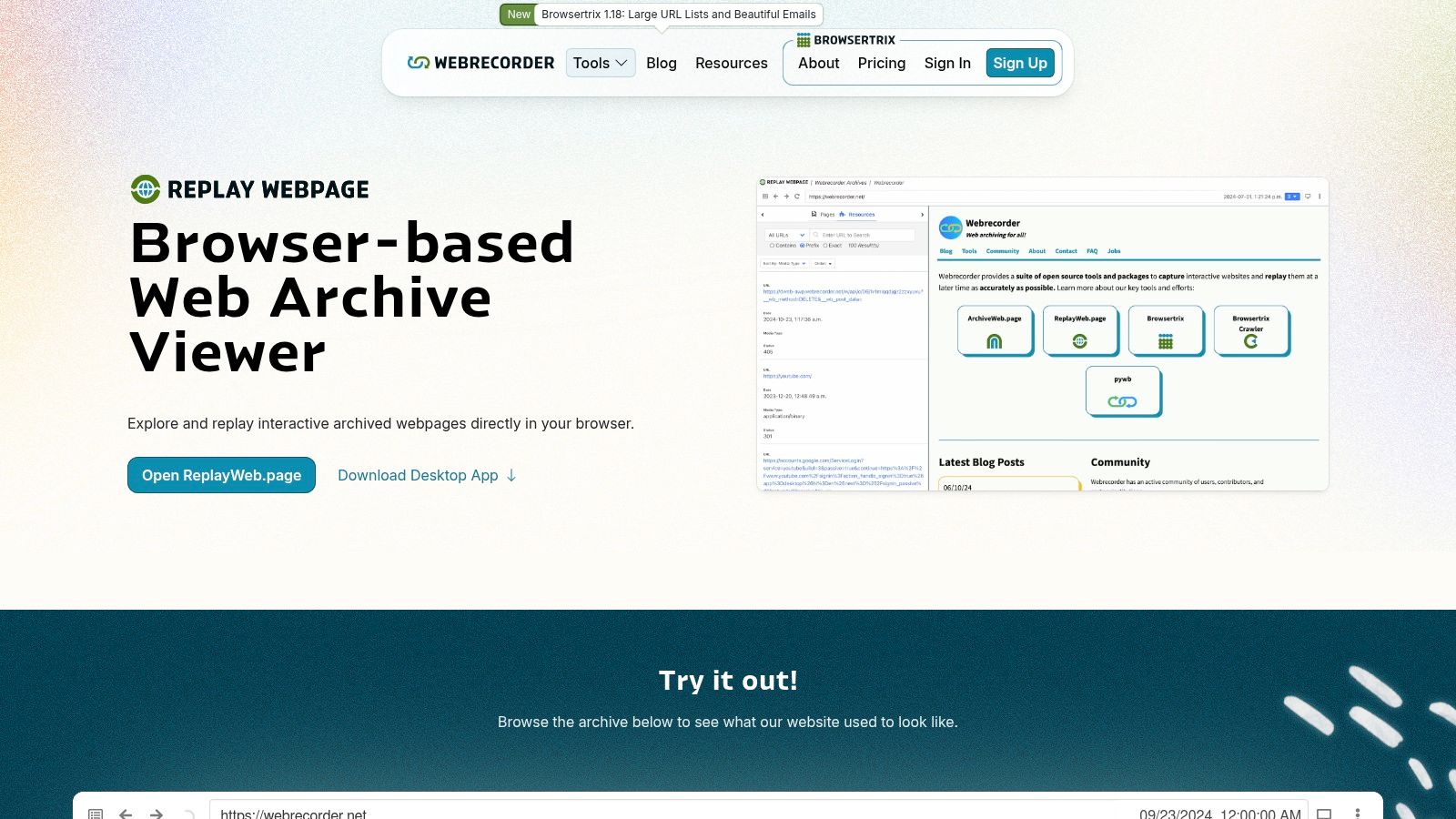
This makes it an excellent internet archive alternative for preserving things like single-page apps, social media feeds with infinite scroll, and other dynamic content that automated crawlers often miss. The output is a standard WARC or WACZ file, giving you full control over your archives. You can view them offline with the ReplayWeb.page app. For bigger jobs, their Browsertrix Cloud service offers automated crawling for organizations.
Key Considerations
- High-Fidelity Capture: Its greatest strength is capturing the interactive experience of a modern site, not just a static snapshot. This is critical for anyone working with professional web archiving sites that handle dynamic content.
- User Control and Open Standards: You create, own, and host your archives. By using standard WARC/WACZ formats, you avoid being locked into one provider and ensure long-term access.
- Requires More User Effort: These tools are more hands-on than "paste-a-link" services. The free versions require you to manually capture pages and manage your own archive files. Scaled solutions like Browsertrix Cloud are paid services for institutions.
For archivists, researchers, and developers who need to perfectly preserve complex web experiences, the Webrecorder ecosystem offers unmatched control and fidelity.
5. Memento Time Travel
Memento Time Travel isn't an archive itself but a universal search engine for web archives. It’s a powerful meta-service that checks multiple major archives at once—including the Internet Archive, national libraries, and even archive.today—to find a snapshot of a URL as close as possible to a date you specify.
This makes it an indispensable internet archive alternative for researchers and digital forensics experts. If you can't find a page in one archive, Memento gives you a single place to check many others simultaneously. It's the "Did you look everywhere?" tool for web history, pulling together results to give you the most complete picture of a page's past. Browser extensions are also available to make this "time travel" lookup even faster.
Key Considerations
- Aggregated Search: Its main strength is finding copies from numerous different archives with just one search. This is incredibly efficient for finding the earliest or latest saved version of a page.
- Ease of Use: The interface is simple: enter a URL and a date, and it finds the closest available snapshot. No account is needed, and it's completely free.
- Dependency and Stability: The service is entirely dependent on the archives it searches; it doesn't store any content itself. As a grant-funded academic project, its long-term stability isn't guaranteed, which is a risk if you rely on it for critical work.
For hard-to-find archived content or deep historical verification, Memento Time Travel is a highly effective discovery tool.
- Website: https://timetravel.mementoweb.org/
6. UK Web Archive
Run by the British Library, the UK Web Archive is dedicated to preserving the United Kingdom's digital heritage. It crawls the .uk domain annually and curates collections around major events, like Brexit or the Olympics. This provides incredible depth for UK-specific web history.
Unlike on-demand services, its main mission is long-term preservation under UK law. This makes it a crucial internet archive alternative for anyone researching UK-based websites, companies, or cultural trends. Its scope is geographic, but the librarian-led curation adds a ton of contextual value, turning it from a simple repository into a guided historical resource.
Key Considerations
- Access Restrictions: Due to copyright law, a large part of the archive is only accessible on-site at UK legal deposit libraries. A smaller, but still significant, collection is available online worldwide.
- Authoritative Curation: The involvement of the British Library ensures high standards. The curated collections are especially valuable for focused research on specific topics.
- Search and Discovery: The platform offers a solid search interface with support for Boolean operators, allowing for more precise queries than many other public web archives.
For those focused on UK web history, the UK Web Archive is an indispensable and authoritative tool, despite some access limitations.
- Website: https://www.webarchive.org.uk
7. Library of Congress Web Archives
Moving from on-demand tools to institutional collections, the Library of Congress Web Archives offers a curated look into historically significant web content. This isn't a tool for saving a random webpage. It's a massive, professionally curated archive focusing on specific themes and events like U.S. elections, the September 11th attacks, and global crises.
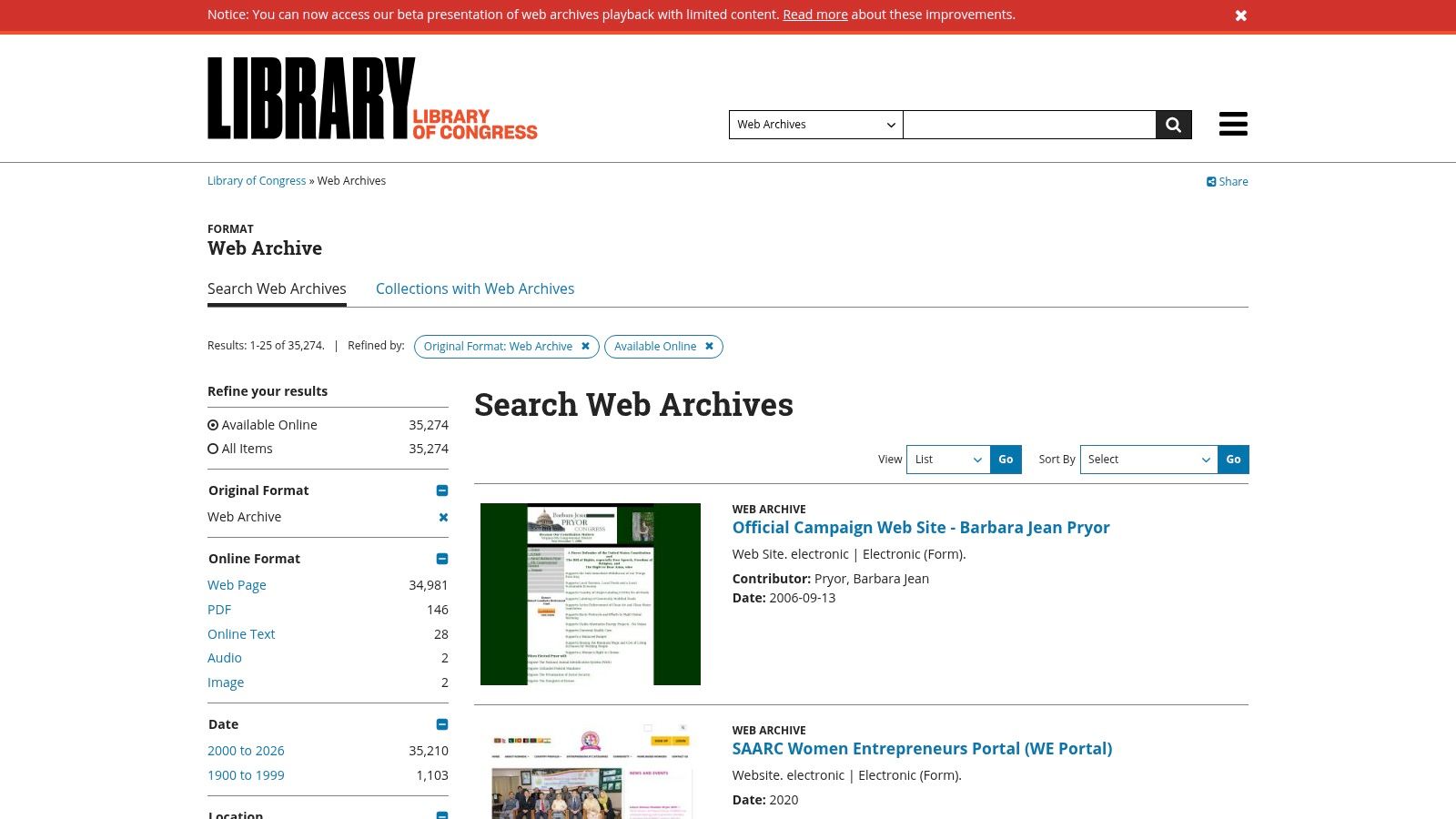
As an internet archive alternative, its strength is providing trustworthy, contextualized snapshots of web history for researchers and educators. The collections are carefully selected by librarians and subject matter experts, ensuring the content is relevant. It's less about personal archiving and more about accessing a national digital memory.
Key Considerations
- Curated Collections: Unlike archives that crawl everything, the Library of Congress focuses on thematic collections. This selective approach provides deep, high-quality archives on specific subjects but means you won't find every corner of the web here.
- Researcher-Centric: The archive is built for research, with clear documentation and metadata that add significant value to the materials. It’s an invaluable resource for scholarly work.
- Access Restrictions: The main limitation is access. Many collections have embargo periods, and some can only be viewed on-site at the Library of Congress due to copyright constraints.
For those doing historical or academic research, this archive is a goldmine of well-preserved, context-rich digital content.
- Website: https://www.loc.gov/web-archives/
8. National Archives Catalog (U.S. NARA)
While not a web crawler, the U.S. National Archives Catalog is an essential internet archive alternative for a very specific niche: official U.S. federal records. It’s the official portal to a vast collection of documents, photos, maps, audio, video, and datasets from the United States government. Instead of archiving the live web, it preserves historical federal materials.
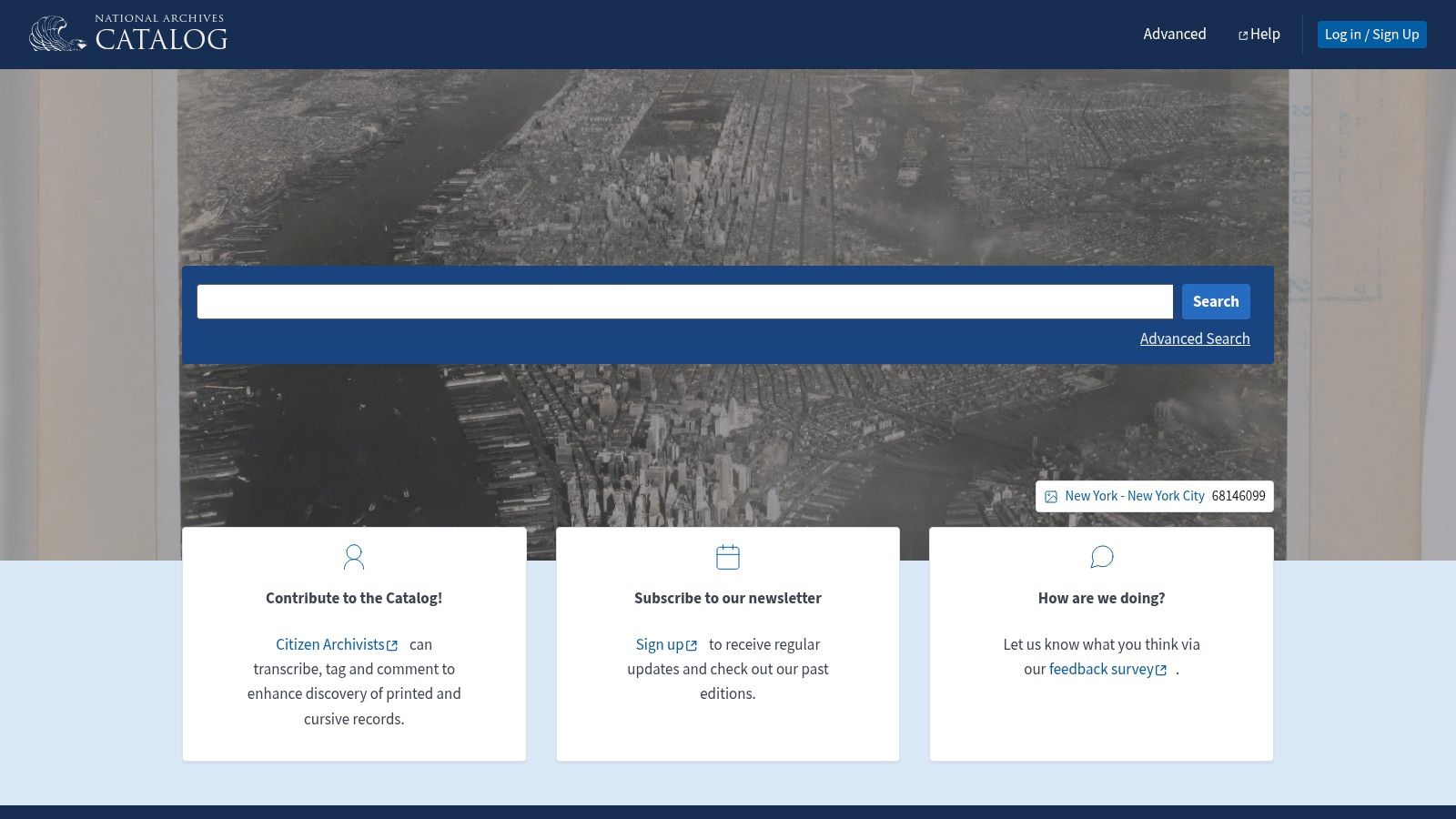
This makes it an unmatched resource for researchers, journalists, and developers who need primary source documents. The platform provides a search engine to explore both descriptions of physical records and a growing number of digitized items, many of which are available for download. For developers, NARA offers APIs and bulk data downloads, enabling programmatic access to public information.
Key Considerations
- Authoritative Source: As the official repository for U.S. federal records, the information is a primary source with clear rights statements, making it ideal for legal, academic, and historical research.
- Specialized Focus: This isn't a tool for saving a random website. Its focus is strictly on government records, from presidential memos to military service files and census data.
- Accessibility and Usability: The catalog contains millions of records, and its interface can be complex for newcomers. However, its powerful filters and search operators are invaluable once you get the hang of them. Many items are free to download.
For anyone needing official government documents rather than snapshots of the public web, the National Archives Catalog is the most reliable source available.
- Website: https://catalog.archives.gov
9. HathiTrust Digital Library
While the Internet Archive is known for web pages, its book collection is huge. HathiTrust Digital Library is a powerful, academic-focused internet archive alternative specifically for digitized books, journals, and other print materials. It is a collaborative repository run by academic and research libraries, ensuring high-quality metadata and preservation standards for its millions of volumes.
The platform's strength is its scholarly foundation. It offers full-text search across its entire collection, making it an invaluable tool for researchers. While public-domain works are fully viewable by anyone, users from member institutions get enhanced access, like full PDF downloads of in-copyright works. This makes it a more structured and citable resource for historical and academic texts.
Key Considerations
- Content Focus: HathiTrust excels at preserving published print works, especially from the 19th and early 20th centuries. It is not an archive for websites but for established scholarly and cultural records.
- Access Tiers: Access is tiered. The public can view and search public-domain materials freely. However, downloading many items, especially those still under copyright, often requires logging in through a member university, which can be a barrier for independent researchers.
- Data Quality: Unlike automated crawls, every item in HathiTrust has robust, library-grade metadata. This makes searching for specific editions or authors incredibly precise. The scans are typically very high quality.
For those seeking a reliable archive of published books and journals, HathiTrust offers a stable, curated, and authoritative alternative.
- Website: https://www.hathitrust.org
10. Google Books
While not a traditional web archive, Google Books is a massive digital library and a powerful internet archive alternative for published works. It offers a full-text search and preview for millions of scanned books, magazines, and periodicals, making it a key resource for researchers, students, and anyone looking for information locked in print.
Its main function is discovery. For public domain works, you can often view and download the entire text. For copyrighted materials, Google Books provides snippets or limited previews, which are still useful for verifying sources, finding quotes, or deciding if a book is relevant before buying or borrowing it.
Key Considerations
- Discovery Power: The platform's greatest strength is its full-text search across a huge collection. It lets you search for keywords inside millions of books, something impossible with a physical library catalog.
- Accessibility Tiers: Access varies. Public-domain books are often fully available, while in-copyright works are restricted to previews. The platform links to options for buying a book or finding it in a local library.
- Variable Quality: Since the collection is built from many different sources, the quality of scans and optical character recognition (OCR) can be inconsistent. Some texts may have errors or poorly rendered pages.
For academic research or locating specific information within historical texts, Google Books is an essential discovery tool that complements web-focused archives.
- Website: https://books.google.com
11. JSTOR
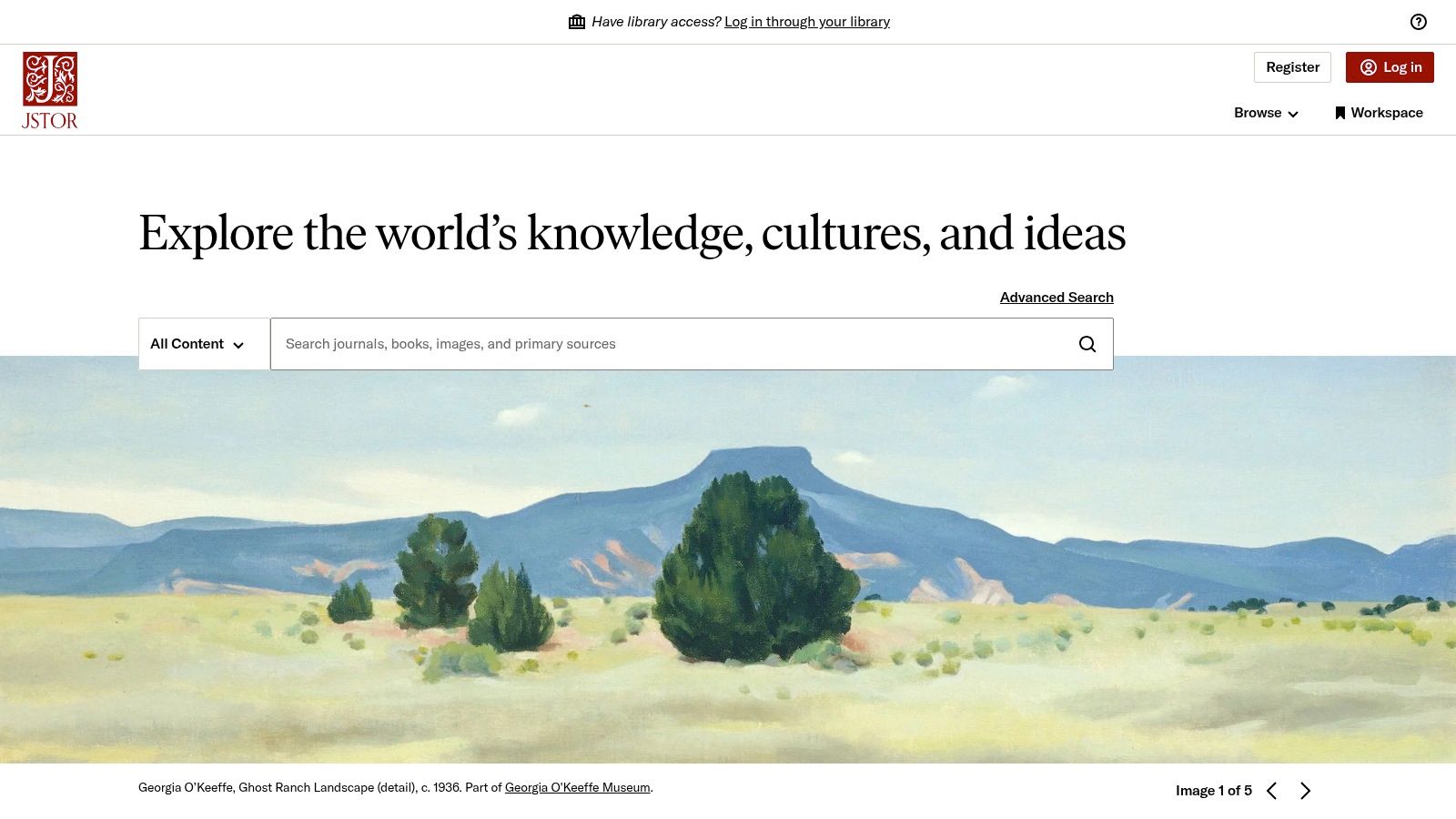
JSTOR isn't a web archiver in the usual sense, but it’s a vital internet archive alternative for high-value content: academic and scholarly materials. It’s a massive digital library of digitized academic journals, books, primary sources, and current scholarly articles. For researchers, students, and historians, it provides stable, permanent access to peer-reviewed information that might otherwise disappear or be stuck behind publisher paywalls.
Where the Internet Archive captures the web's breadth, JSTOR guarantees the depth and permanence of academic work. It ensures critical research remains accessible and citable for generations. This makes it an indispensable resource for finding authoritative content that has stood the test of time.
Key Considerations
- Content Quality: The platform is known for its high-quality, professionally curated collection of scholarly sources. Citations are dependable, and the content is vetted, making it a gold standard for academic research.
- Accessibility Tiers: JSTOR has multiple access levels. Much of its content, especially early journal archives, is public domain and free to all. A free personal account lets you read up to 100 articles online per month, a generous offering for independent researchers.
- Paywall Limitations: Its main drawback is that the newest research is often behind a paywall. Full access typically requires a login from a university or a paid JPASS subscription, which has its own limits.
For anyone who needs access to a permanent, authoritative archive of academic knowledge, JSTOR is an essential tool.
- Website: https://www.jstor.org
12. Project Gutenberg
While the Internet Archive offers millions of modern e-books, Project Gutenberg serves a more focused niche. As the oldest digital library, it's dedicated to preserving and sharing tens of thousands of books that are in the public domain. It offers a vast collection of classic literature and historical texts, all digitized and proofread by volunteers.
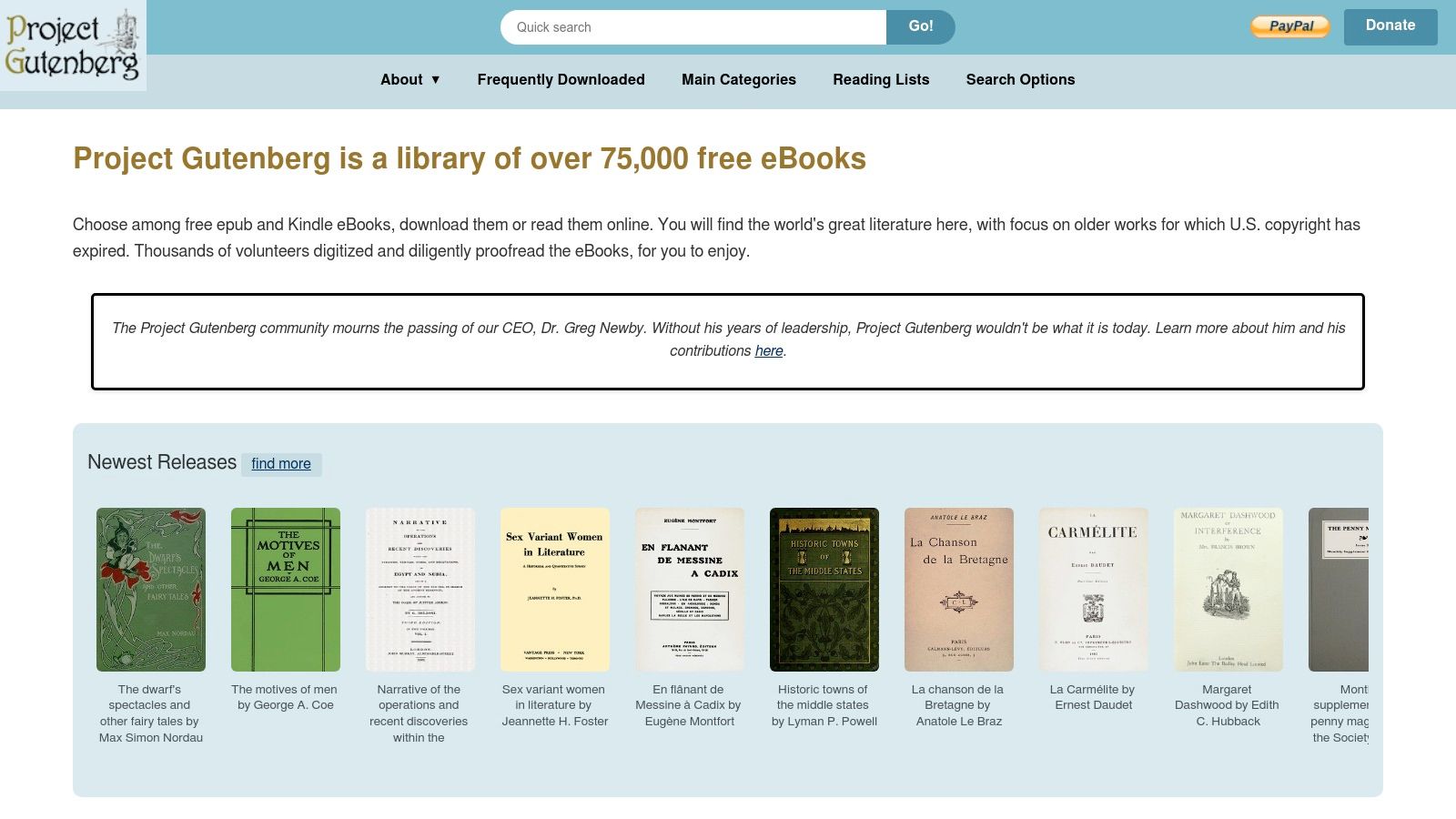
For researchers, students, and readers looking for foundational texts that are now off-copyright, Project Gutenberg is an unmatched internet archive alternative. Its mission isn't to archive the web, but to ensure permanent access to cultural heritage in book form. The works are available in multiple open formats like EPUB, Kindle, and plain text, with no DRM, making them universally accessible.
Key Considerations
- Content Focus: Project Gutenberg exclusively hosts public-domain books. You won't find current bestsellers here, but it's the definitive source for classics from authors like Shakespeare, Jane Austen, and Mark Twain.
- Accessibility and Formats: The platform is incredibly user-friendly. No account is needed, and all 75,000+ e-books are available for direct download in formats for virtually any device. This commitment to open access is a core part of the project.
- Quality Over Quantity: Unlike automated scans, every text is prepared and proofread by volunteers. This human touch results in reliable, well-formatted digital editions that are often better than scanned copies found elsewhere.
For anyone needing free, unrestricted access to the world’s most important historical and literary works, Project Gutenberg remains an essential and reliable resource.
- Website: https://www.gutenberg.org
12 Internet Archive Alternatives Comparison
| Service | Core features | Unique selling points ✨ | Quality / Reliability ★ | Price & Audience 💰👥 |
|---|---|---|---|---|
| Capture 🏆 | Pixel‑perfect screenshots, GIFs, PDFs, content extraction, SDKs (Node/Go/Rust), integrations | ✨ Queue‑less real‑time rendering, global edge delivery, modern‑web fidelity | ★★★★★ 99.99%+ uptime, high‑throughput | 💰 Pay‑as‑you‑go (100 free credits); 👥 Devs, QA/DevOps, growth teams |
| archive.today (archive.ph) | On‑demand HTML + full‑page screenshot, public index | ✨ Extremely fast one‑off snapshots, handles some dynamic pages | ★★★★ Fast and reliable for single captures | 💰 Free; 👥 General public, journalists, researchers |
| Perma.cc | Permanent links, org dashboards, API | ✨ Library‑run governance for citation stability | ★★★★ Trusted longevity for legal/academic use | 💰 Freemium / org plans; 👥 Courts, law reviews, libraries |
| Webrecorder (ReplayWeb/Browsertrix) | High‑fidelity captures, WARC/WACZ export, crawlers | ✨ Open formats + replayable archives, automated Browsertrix cloud | ★★★★ Excellent fidelity for JS‑heavy sites | 💰 Open‑source (free) + paid cloud; 👥 Archivists, researchers, orgs |
| Memento Time Travel | Aggregates snapshots across archives by date | ✨ One‑search time‑travel across multiple archives | ★★★★ Depends on underlying archives | 💰 Free; 👥 Researchers verifying historical versions |
| UK Web Archive | Annual broad crawls, curated collections, Boolean search | ✨ Deep .uk coverage and thematic collections | ★★★★ Authoritative for UK web history (some access limits) | 💰 Free/open subset; on‑site access for some items; 👥 UK researchers, historians |
| Library of Congress Web Archives | Thematic/event‑based curated web collections | ✨ Curated national collections with librarian metadata | ★★★★ High quality; embargoes on some content | 💰 Free (varies by collection); 👥 Researchers, scholars |
| National Archives Catalog (NARA) | Unified search of federal records, APIs, downloads | ✨ Authoritative US federal records and reproductions | ★★★★ Primary source reliability (not a web snapshot service) | 💰 Free; 👥 Government researchers, historians |
| HathiTrust Digital Library | Full‑text search of digitized books, stable copies | ✨ Academic‑grade scans and citable metadata | ★★★★ Strong reliability for digitized books | 💰 Free/public‑domain; member services for downloads; 👥 Academics, libraries |
| Google Books | Full‑text search, previews, buy/borrow links | ✨ Massive discovery across scanned books and editions | ★★★★ Broad coverage; scan quality varies | 💰 Free previews; purchase/borrow options; 👥 Readers, researchers |
| JSTOR | Scholarly journals, books, primary sources, JPASS | ✨ High‑quality scholarly collections, free read options | ★★★★ Trusted academic source; paywall for recent content | 💰 Freemium / JPASS paid; 👥 Academics, students, libraries |
| Project Gutenberg | 75k+ public‑domain e‑books (EPUB/Kindle/HTML) | ✨ DRM‑free, volunteer‑proofreaded classics | ★★★★★ Fast, reliable downloads for public‑domain works | 💰 Free; 👥 General readers, educators, classic literature fans |
Picking the Right Archiving Tool for the Job
There’s no single, perfect internet archive alternative. The best solution isn't a one-to-one replacement for the Wayback Machine but the right tool for a specific job. Your choice depends entirely on your goals, technical needs, and the level of fidelity you require.
This guide covered a diverse landscape, from public archives to developer APIs. The key takeaway is that "archiving" has evolved. It's no longer just about saving a static copy of a webpage; it's about actively using that captured data in automated workflows.
Matching the Tool to the Task
Here’s a quick recap to help you decide:
- For Quick, Public Saves: If you just need to grab a snapshot of a single page for public record, tools like archive.today are incredibly efficient. They're simple, fast, and require no setup.
- For Legal and Academic Citation: When you need permanent, legally sound citations, Perma.cc is the gold standard. It was built for legal and academic institutions to create undeniable proof of sources.
- For In-Depth Research: For scholars and historians, specialized collections like the UK Web Archive, Library of Congress, and scholarly databases like JSTOR provide curated, high-value content that general crawlers miss.
- For Total Control and Self-Hosting: If you need to own your archive and customize the process, the Webrecorder suite offers a powerful, open-source framework for high-fidelity, self-hosted archiving.
The Developer's Choice: From Archiving to Automation
For developers, QA engineers, and data teams, the conversation shifts from simple preservation to programmatic control. This is where a screenshot and web rendering API like Capture changes the game. It moves beyond traditional archiving by offering:
- On-Demand, High-Fidelity Rendering: Capture exactly what a user sees—including complex JavaScript, CSS animations, and third-party content—at the precise moment you need it.
- Scalable Automation: Integrate web capture directly into your apps, CI/CD pipelines, and data scripts. Go from manually saving pages to automatically monitoring thousands.
- Workflow Integration: The goal isn't just to have an archive, but to use it. A tool like Capture lets you build visual regression tests, generate automated reports, monitor brand mentions, and extract structured data.
Ultimately, choosing an internet archive alternative is about defining your "why." Are you preserving a memory, citing a source, or building a system? Once you know your goal, the right tool becomes obvious. The modern web is dynamic, and your approach to capturing it should be, too. By picking a tool that fits your needs, you not only preserve content but also unlock new potential. This also means thinking about long-term storage, where understanding digital asset management best practices can provide a valuable framework.
Ready to move beyond static archives and build powerful, automated web capture workflows? Capture provides a robust, developer-first API for high-fidelity screenshots, PDF generation, and web rendering at scale. Sign up for a free trial and see how easy it is to integrate precise web capture into your application.